Best WordPress alternatives for building a website
 Novica TomicWebflow
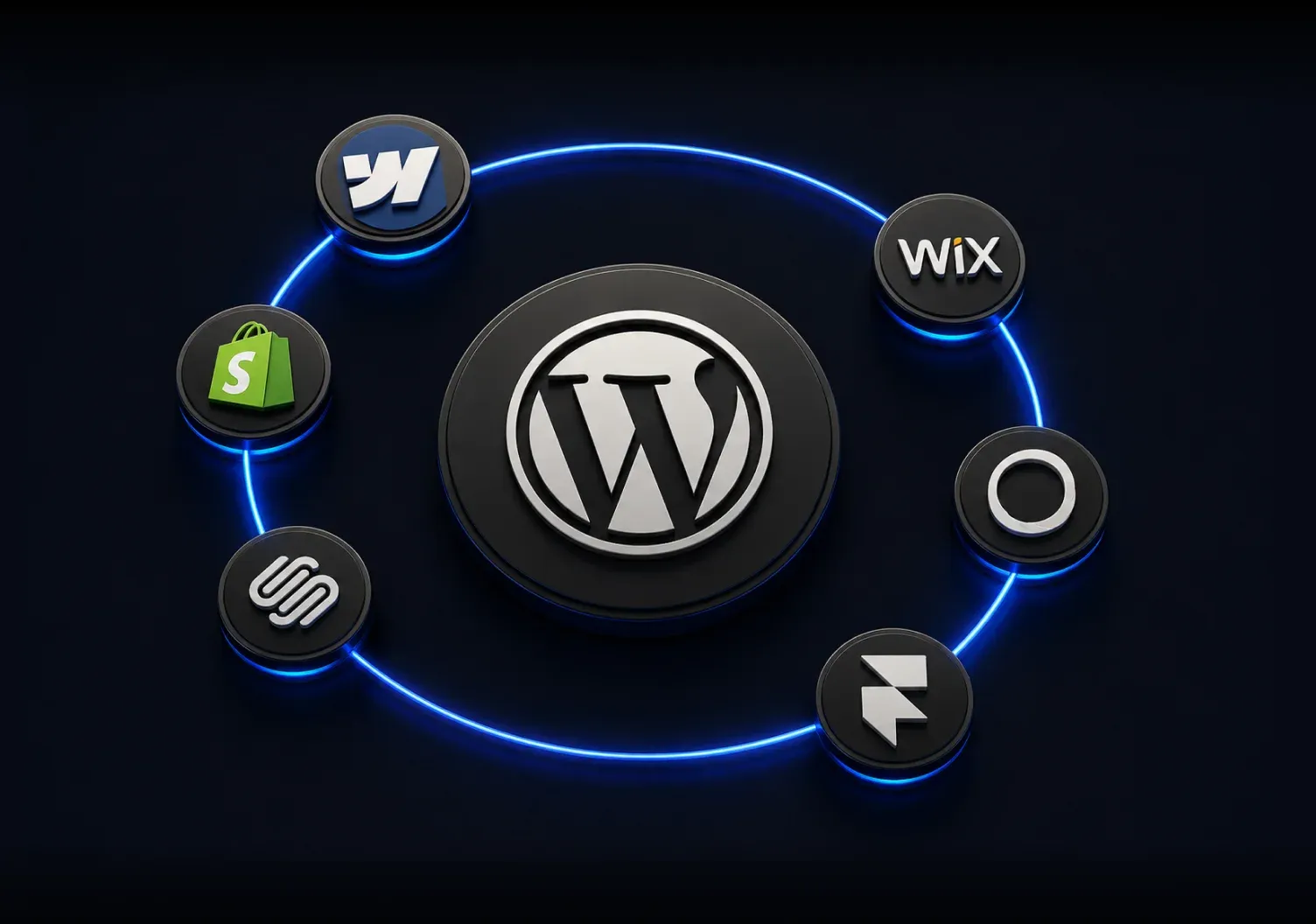

- WordPress remains popular, but plugins, maintenance, security, and setup complexity can create friction.
- The best alternative depends on website type, design needs, scalability, budget, and ease of use.
- Webflow combines built-in hosting, security, CMS, SEO, and extensive visual design control.
- Wix and Squarespace are easier for simple websites but provide less customization.
- Shopify is strongest for large e-commerce stores, Ghost for publishing, and Framer for interactive creative sites.
- For custom, scalable business websites built without code, Webflow is one of the strongest all-around alternatives.
Looking for a WordPress alternative? Here’s what you need to know
WordPress is a leading web builder worldwide. However, despite its obvious popularity, it doesn’t come without flaws. These flaws can highly impact business profit and growth, which has led many to look for a suitable WordPress alternative. But what is the best alternative to WordPress? We’ve created a comprehensive guide to help you explore some of the most popular web builders, from Squarespace and Framer to Webflow.
Why would you want to move away from WordPress?
Is WordPress becoming obsolete? The truth is that WP is far from fading. With over 500 million users and more than 60% of the market share, there is no denying WP’s popularity. Still, numerous new designers and developers have decided to go with different options. Moreover, many experienced web design professionals opt to switch from WP to some other platform. Here are some of the main reasons they chose this step:
- Plugins - WP provides amazing customization options and promises exceptional website usability. However, its features are not built-in, so you can customize your website only through various third-party plugins.
- Website performance—websites built with many plugins typically have slower loading times, which affect their rankings as well as overall user experience. Performance optimization, on the other hand, demands a lot of knowledge and can get complicated.
- Security - reliance on third-party plugins brings high security risks. On top of that, security maintenance and updates are up to you.
- Steep learning curve - WP is not easy to master, especially for beginners. Setting up and managing a WordPress site requires extensive knowledge, making it less user-friendly compared to other platforms.
How to choose a WordPress alternative?
When looking for the best alternative to WordPress and the right builder for your website, you need to consider many different factors. To find a top-choice platform that suits your vision the most, you first need to identify what you want to get from the website. Initially, make sure to go with a web builder that specializes in the website type you want to create (corporate, e-commerce, blogging, etc.).
The chosen builder also needs to have features that are most important to you. For example, if you’re building a complex corporate website and looking for extensive customization options, go for the platforms that can provide you with them. Additionally, look for builders able to offer:
- High performance,
- Top security,
- Fine customer or community support,
- Website scalability,
- Strong SEO tools,
- User-friendliness.
In the end, make sure to estimate the cost, as well as what you’re getting for that price. Not all platforms offer the same features and benefits, so it’s up to you to choose a builder that will provide you with the most value for your money.
Why Webflow is the best WordPress alternative for most people
Webflow is WP’s greatest competitor and overall best alternative to WordPress. Its intuitive drag-and-drop visual design tool and incredible features are the reasons many choose to switch to Webflow. As of 2021, over 3.5 million designers and teams worldwide have been using Webflow’s platform, and this number keeps growing.
Take a look at the table below for some of the WP problems Webflow successfully solves:
What makes Webflow unique?
One of the main benefits of Webflow is reduced website development time. It provides designers with the possibility of building professional-looking and high-functioning websites without coding. As you design a website, this platform automatically writes clean and exportable code. However, custom code can be added as well, to a specific part of a page, a specific page, or the whole website for those needing further customization.
When it comes to Webflow vs. WordPress, Webflow’s advantage lies in built-in features. While WP relies on themes and plugins for customization, security, and, for example, SEO, Webflow provides all of that with tools that are already integrated into the platform. On top of that, Webflow offers hosting services and tutorials through Webflow University. It also can be used for building various website types.
With Webflow, you can also expect:
- Full creative control—you can build a site from scratch or customize already existing templates,
- Responsiveness—your Webflow website will look and function great on any device,
- Flexible CMS—as a prime WordPress alternative for CMS, it offers easy crafting and updating of different content types,
- Built-in SEO tools—to enhance search engine optimization and get higher rankings,
- Collaborative features—provides easy communication within teams,
- Hosting—Webflow’s hosting services are built with speed and scalability in mind,
- Security—this platform maintains the highest security standards
- E-commerce features—provides tools for building and managing online shops,
- Animations and interactions—for those who aim for an enjoyable and interactive user experience.
To conclude, Webflow is a modern, all-in-one solution that makes UX/UI website building for today’s digital landscape easier. With its powerful built-in tools and amazing design capabilities, it’s the ideal choice for businesses looking for a scalable and future-proof web development platform.
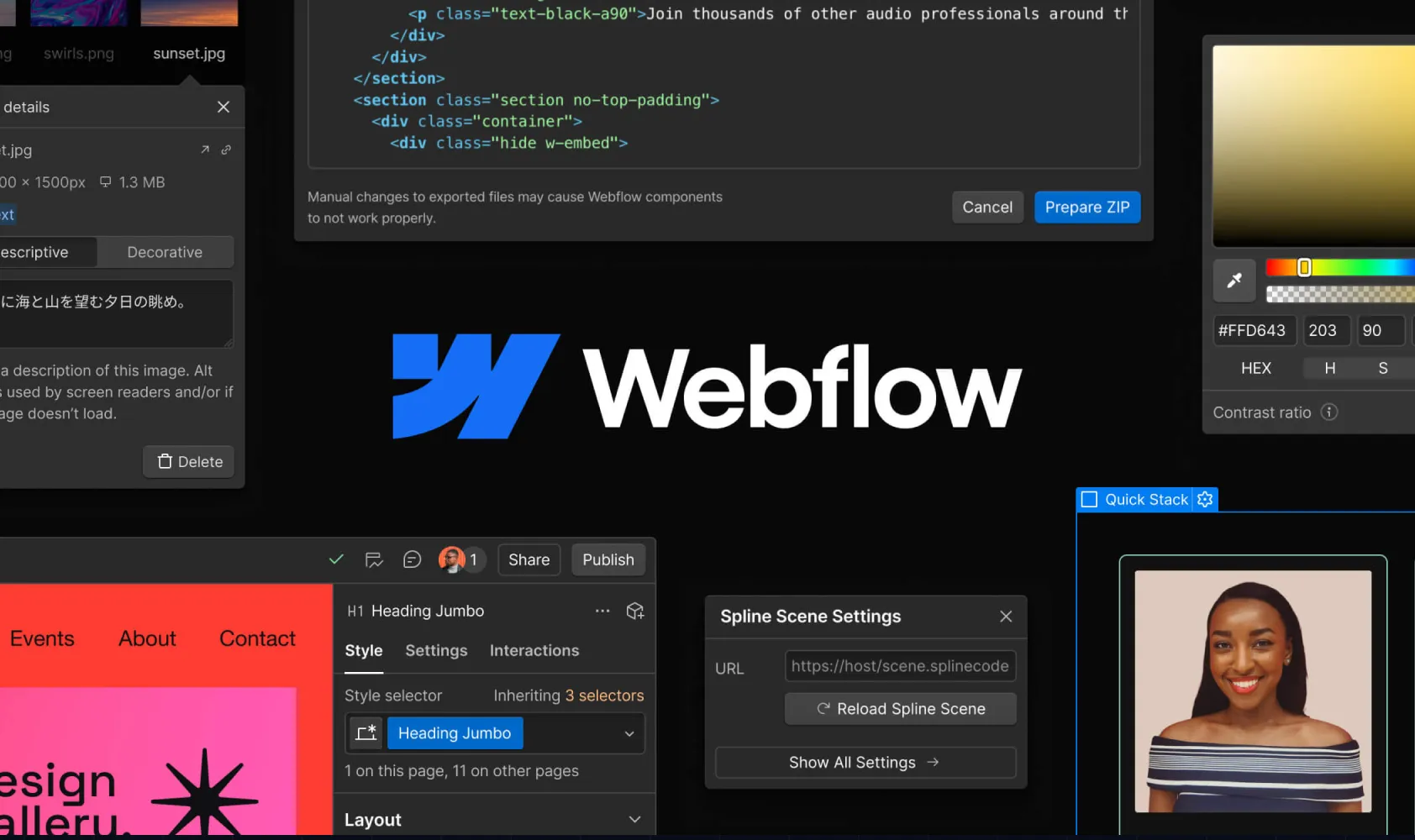
Other WordPress alternatives (and how they compare to Webflow)
Besides Webflow, many popular web builders can serve as WP alternatives. But why is Wix better than WordPress? Or, for example, why is Ghost better than WordPress? They both simplify website creation, offer faster performance, and include hosting in the package. They also come with built-in SEO tools and are simpler and easier to manage than WordPress. However, when it comes to customization, only Webflow can compete with WP.
Check out the following table to see more WP alternatives and find out how they compare to Webflow, as the best WordPress alternative.
So, what can we conclude? Wix is easier to use than WP but lacks Webflow’s design flexibility, and the same goes for Squarespace. Shopify and Ghost, on the other hand, are e-commerce/blogging-focused, and not a good choice for general website building. In the end, when it comes to Webflow vs. Framer, Webflow offers a more powerful visual editor. While all these website builders are solid options, Webflow stands out for many teams because it strikes a good balance between some of the most important web-building features.
Is Webflow right for you? Let’s break it down
Whether Webflow is the right choice for you or not depends on your specific needs. There is no denying it’s a highly versatile platform that suits both business and personal use. It is an ideal choice for startups, agencies, and SMBs. Webflow’s flexibility allows businesses to create professional, customized, and highly optimized websites that fully suit their brand design. In addition, a Webflow designer or in-house team can take advantage of Webflow’s amazing collaborative features. In the end, it’s safe to say that Webflow excels when creativity and customization are top priorities.
But when is this web builder not a good fit? For simple websites, platforms like Wix or Squarespace offer ease of use and less customization, which might be more appropriate for users who need a basic, no-fuss site. On the other hand, while Webflow offers e-commerce features, platforms like Shopify provide more robust tools that are better suited for large-scale stores.
Making the switch—how hard is it to move from WordPress to Webflow?
The process of switching from WordPress to Webflow isn’t a walk in the park, but it’s also not as intimidating as it seems. While Webflow doesn’t offer a simple one-click migration tool, it provides essential resources to help with the transition. The platform includes tools that allow you to import content from WordPress, so it’s fairly easy to bring over posts and pages. Additionally, Webflow University offers comprehensive tutorials and guides, making it simple for even beginners to get up to speed.
Keep in mind that the initial migration may take some time, especially if you have a large site with custom elements. However, the effort is bound to pay off in the long run, considering all the benefits this web builder brings.
That being said, a migration is easier with someone who has done it before. We handled WordPress to Webflow migrations for years. Today, we migrate sites to custom code with Astro or Next.js and Sanity as the CMS. We map redirects and check content and SEO settings to reduce migration risk.
Choosing the right WordPress alternative
Webflow is a strong WordPress alternative if you want flexibility, creative control, and scalability without managing plugins. Its combination of visual design tools and clean code suits modern websites that need to adapt to different business and user needs. If you only need a simple site, Wix or Squarespace may be enough, and Shopify is the better fit for large stores. And if your site needs more than any builder allows, a custom-coded site is worth considering.
Today, we design and build websites in custom code, and you own the code and content. If you’re planning a move off WordPress, see our website service or book a call with Leo.
We build in code now
Today, we lead strategy, design and custom website development using Astro or Next.js. Talk to Leo about your next website.






Available for Q4
Let’s talk about what’s next.
Book a free call with Leonardo to see how we can help you look
as big as your ambition and scale faster.


5.0

Leonardo, founder